
Keyword Research for VS Code Extensions: The 2026 Playbook
The Foundation of Marketplace Success
Keywords are the bridge between what users search and what they find. Choosing the right keywords to target—and track—determines your extension's discoverability.
Types of Keywords
Head Keywords
- High search volume
- Very competitive
- Examples: "python", "git", "formatter"
Body Keywords
- Medium search volume
- Moderate competition
- Examples: "python formatter", "git history", "code snippets"
Long-tail Keywords
- Lower search volume
- Less competition
- Examples: "python black formatter", "git blame inline", "react typescript snippets"
Keyword Research Process
Step 1: Brainstorm Core Terms
Start with the basics:
- What does your extension do? (formatter, linter, snippets)
- What language/framework? (python, react, golang)
- What problem does it solve? (debugging, refactoring, testing)
Step 2: Expand with Variations
For each core term, find variations:
- Synonyms: "format" / "beautify" / "prettify"
- Related: "lint" often searches with "format"
- Specific: "format on save", "format selection"
Step 3: Analyze Competition
For each potential keyword:
- Search it in the marketplace
- Note the top 10 results
- Check their install counts
- Estimate difficulty vs. opportunity
Pro tip: VSCodeRank's Keyword Suggestions feature shows you opportunity scores for keywords, helping you find low-competition gems.
Step 4: Evaluate Intent
Not all keywords are equal:
- High intent: "python auto formatter" - ready to install
- Medium intent: "code formatting" - exploring options
- Low intent: "what is linting" - just learning
Target high-intent keywords for better conversion.
Finding Keyword Opportunities
The Gap Analysis
- List keywords your competitors rank for
- Identify keywords they're missing
- Target underserved keywords with decent volume
VSCodeRank has built-in gap analysis that shows you keywords your competitors rank for but you don't.
The Specificity Play
Instead of competing for "javascript snippets":
- Target "react hooks snippets"
- Target "typescript utility snippets"
- Target "node.js express snippets"
The Problem Keywords
Users often search for problems, not solutions:
- "how to format python code in vscode"
- "auto import not working"
- "debug typescript"
Can your extension description address these?
Keyword Tracking Strategy
Primary Keywords (Track 3-5)
Your main search terms:
- Highest relevance to your extension
- Enough volume to matter
- Where you have realistic ranking potential
Secondary Keywords (Track 5-10)
Supporting terms:
- Long-tail variations
- Alternative phrasings
- Feature-specific searches
Competitor Keywords (Track 3-5)
Terms your competitors rank for:
- Monitor their positions
- Identify when they change strategy
- Spot opportunities when they slip
Optimizing for Keywords
Once you know your targets:
- Name: Include primary keyword if natural
- Display name: Primary + secondary keyword
- Description first line: Primary keyword + value prop
- Tags: All variations and related terms
- README: Naturally incorporate throughout
Measuring Success
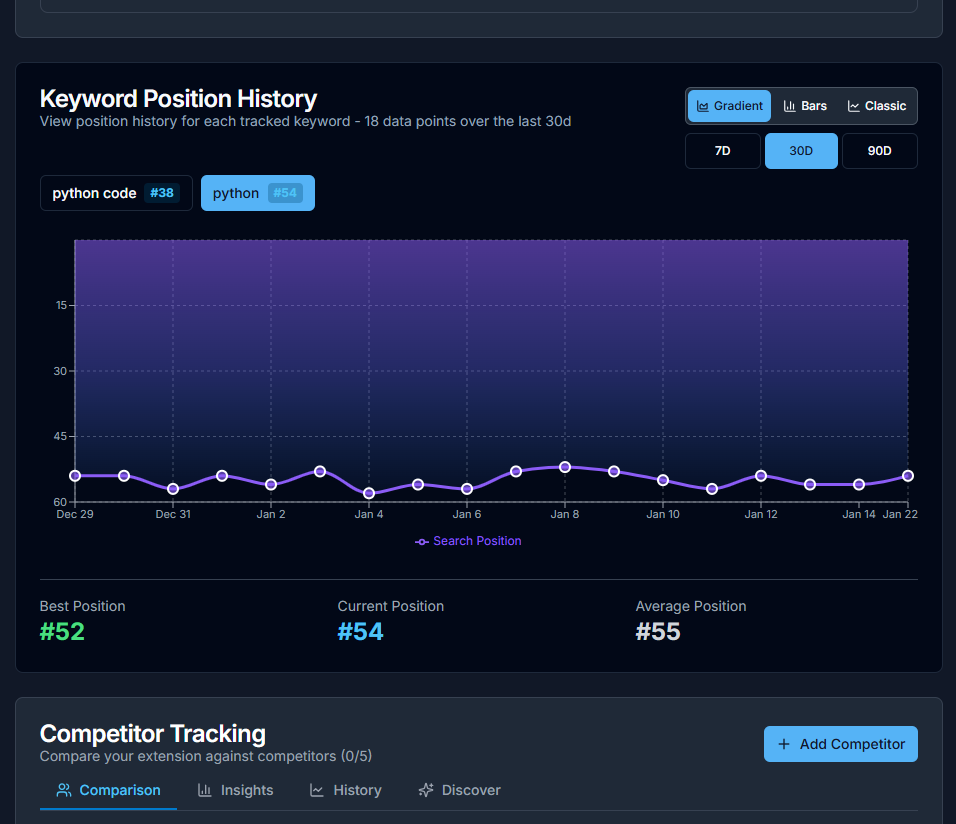
Track these metrics per keyword with VSCodeRank:
- Position: Where you rank (1-100+)
- Position change: Week over week trend
- Competitor movement: Who's gaining/losing
Common Keyword Mistakes
- Targeting only head terms: Too competitive for most extensions
- Ignoring intent: High volume ≠ high conversions
- Static strategy: Keywords need regular review
- Over-optimization: Keyword stuffing hurts rankings
Discover Your Best Keywords
Stop guessing which keywords matter. VSCodeRank's Keyword Suggestions analyzes your competitors and shows you opportunities with scores. Start finding hidden gems today—free plan available.